
I had two files in my AI workspace that told my origin story. One was the canonical version. The other was a summary I built for faster reference. They drifted out of sync, and I did not catch it until a blog draft came back with three wrong facts.
Why duplicate context files quietly fail
Most people building an AI workspace start the same way. They write an “about me” file with their origin story and core facts.
Then a few weeks in, they think the file is too long to scan quickly, so they make a shorter version. A summary.
A “story bank. A “key points” doc. The same content, but tighter.
The short version feels useful at first. It pulls into prompts faster.
It reads cleaner. Then weeks pass, and the canonical file keeps getting edited.
New facts get added. Old facts get sharpened.
A year gets corrected. A scene gets reframed.
The summary does not get the same edits. Nobody updates it on purpose. It just sits there, frozen, slowly drifting away from the file it was supposed to mirror.
You usually will not notice the drift while looking at the file. You notice it in a blog draft three weeks later, when the AI uses the wrong year, the wrong magazine name, or the wrong shape of a scene that has already been corrected upstream.
This post is about that failure mode and the rule that fixed it.
The post draft that surfaced the drift
A few weeks into the build, I was editing an early blog post that walks through one of the harder pivots in my career. I had built a foundation files setup early on, which included a canonical about-me.md plus a separate story-bank.md summary I made to feed into prompts when the full About file felt like too much context.
I read the AI draft of the post and three facts felt wrong. One was about my podcast trajectory.
One was about a magazine feature. One was about when in the day I do my best work.
None of them matched what I had in my head, and none of them matched what I would say if I were telling the story to a friend.
I went back to my context files. The canonical About file had the right version on all three points.
The Story Bank summary had the older versions from before I had corrected them. The AI had pulled from the summary because it was shorter and the wording was punchier. The punchier version was wrong.
Fixing the draft took a few minutes. Fixing the system took longer.
The Story Bank file had not been doing what I built it for. It had been quietly lying every time AI reached for it. The convenience of “shorter version for faster reference” had become a tax I was paying every time I wrote.
So I archived the Story Bank. Renamed it with the archive date appended and moved it into the Context/archive/ folder.
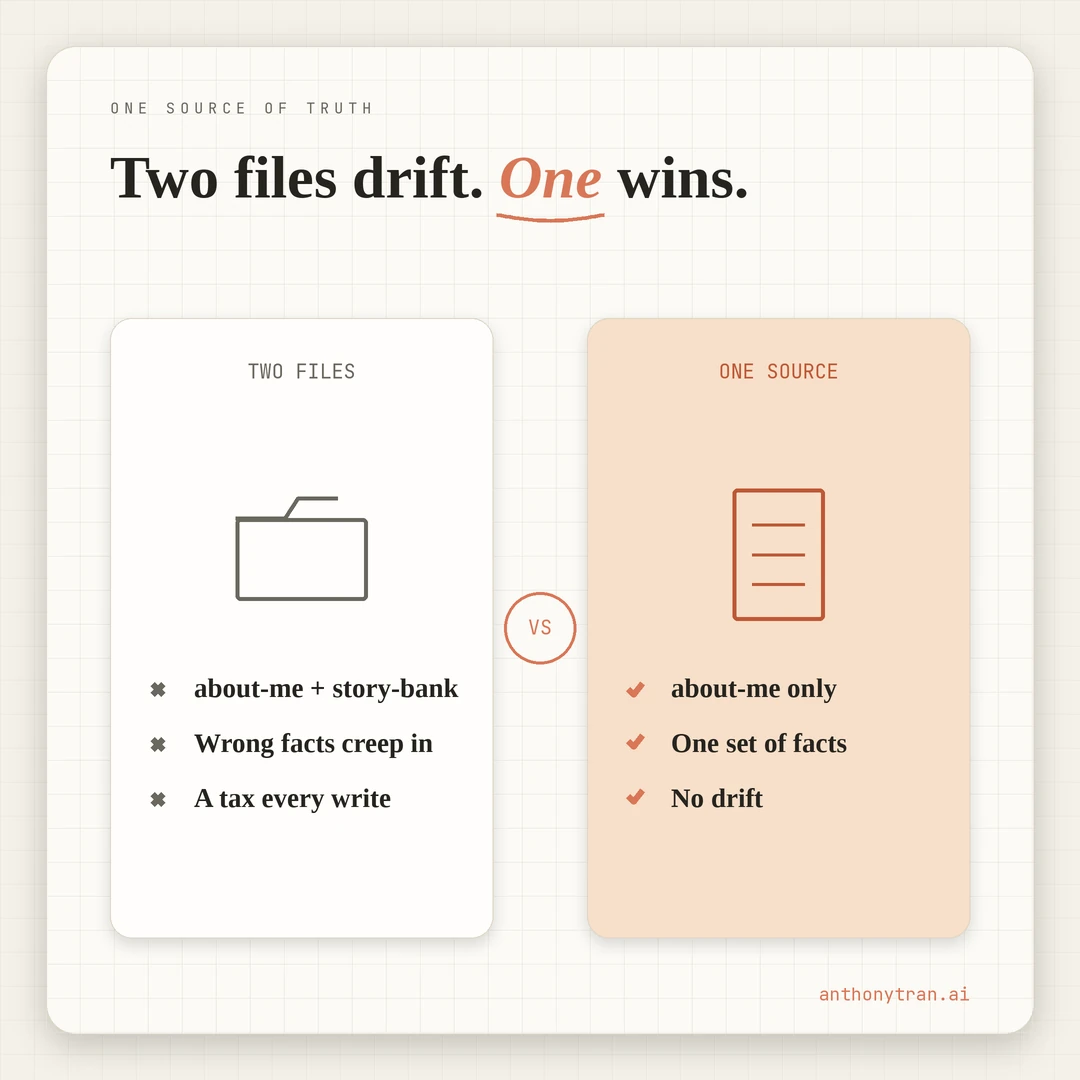
From that day forward, the canonical About file is the only place those facts live. Every other file that needs the story links back to the canonical version. No more summaries.
What duplicate files actually cost
The biggest cost of a drifted summary file is not the wrong facts. The wrong facts are just the surface symptom. The real cost is the trust mechanism around your AI workflow.
Once you catch one wrong fact in an AI draft, you do not trust the next draft. You spend more time auditing the AI’s output against your real memory. The workflow gets slower, not faster, because the AI is now a source of small lies you have to police.
The second cost shows up at the editing stage. On a quick read-back, you stop being able to tell whether the AI got the fact right or wrong.
You have to go check the source. Then you have to check WHICH source, because there are two of them and they disagree.
Editing the post now requires two file lookups instead of one.
The third cost is the worst one. You start writing around the facts you are not sure about.
You drop a specific detail because you cannot remember whether the canonical version has changed since you last looked. The writing gets vaguer.
The post loses the specificity that was supposed to be the whole point.
All of that compounds. The mistake costs more time than the convenience ever saved.
What does the one source of truth rule actually look like?
The rule comes from data architecture, where single source of truth means exactly what it sounds like. One canonical place for any given fact. Every other reference points at the canonical place, never restates it.
The rule applies cleanly to AI context files. Your origin story, business list, voice rules, brand facts, and audience definition each get ONE canonical file. That file is the only place those facts live.
Summaries are fine. Indexes are fine.
Quick references are fine. They can exist, as long as they LINK to the canonical file instead of COPYING from it.
A clean index entry might say “Origin story: see about-me.md. That is enough.
The index tells the AI where to look without becoming a second source of truth. A summary file that says “here is a shorter version of the same origin story” is a future bug.
When in doubt, the test is this. If you change a fact in the canonical file, does every other file in your workspace automatically reflect the new version?
If yes, your architecture is clean. If no, you have a drift risk hiding in the files that did not update.
For my workspace today, the answer is yes. about-me.md is the only place my origin story lives. memory.md references scenes from it but never restates the facts. voice-playbook.md uses example phrases from it but always with a pointer back to the source. No other file claims to tell the story.
Put This Into Practice
If you have built an AI workspace with multiple context files, here is the audit prompt I would run before your next blog draft.
I am going to paste in the contents of my AI context files. Help me audit them for duplicate facts that could drift out of sync. Walk through this one step at a time and wait for my answer at each step:
- Ask me to paste in each context file one at a time. I will tell you when I am done.
- After I am done, list every topic that shows up in more than one file. Origin story, current businesses, voice rules, brand facts, audience definition, anything that appears in multiple places.
- For each duplicate topic, ask me which file is the canonical version. The one I edit most often, the one I trust most, the one I would correct first if a fact changed.
- For the non-canonical versions, suggest one of two fixes:
- Archive the duplicate file entirely and replace it with a single line pointing to the canonical source.
- Replace the duplicated section with a one-line cross-reference instead of restated content.
- Flag any factual conflicts you find between two files (different years for the same event, different titles for the same role, different details for the same scene). These are drift bugs that have already happened.
Do not invent facts to fill in gaps. If two files disagree, tell me both versions and let me decide which one is correct. The canonical version is whatever I tell you it is, not whatever sounds more polished.
Run this once when you set up the workspace, then again whenever you add or revise context files. New context files have a way of sneaking in, and old ones have a way of quietly going stale. The audit catches both.
One source per topic, every time
The cleanest workspace is the one with the fewest files that claim to know the same things. Every topic gets one canonical home. Every other reference is a link, not a copy.
The Story Bank file was a good idea right up until it was a liability. The summary I built to save time cost more time than it ever saved, because the moment it drifted from the canonical source, every draft that pulled from it inherited the wrong version of the story.
I do not build summary files anymore. The canonical file is long.
Reading it takes longer than reading a summary would. That extra reading is the cheapest cost in the workflow, and it is the only version I can trust.
One topic, one source. Every other file points back.
Come build with me.
~ Anthony
Frequently asked.
Why do duplicate context files cause problems with AI writing?
Because both files start out matching, and then one of them gets edited. You update the canonical version with a new fact, fix a year, or sharpen a scene. The summary stays the old version. AI reads both files and cannot tell which one is current. The draft comes back with the wrong facts, and you only catch it on the read-back.
What is a single source of truth in AI context files?
It means one file is the canonical version for a given topic, and every other file points back to it instead of restating the same facts. The canonical file is the only place the facts live. Summaries, indexes, and cross-references can exist, but they link to the source rather than copy from it.
How do you audit your AI context files for duplicate facts?
List your context files. For each topic that shows up in more than one file (origin story, current businesses, voice rules, brand facts), pick the canonical version. Archive the duplicates. Replace cross-references with links. Run an AI prompt that flags conflicts between any two files in your workspace, so future drift gets caught before it ships into a draft.
Stop re-explaining yourself to Claude.
Grab the free AI Starter Kit: my exact Claude setup, so it knows your business. Plus the lessons as they land.
Anthony Tran
13 years in marketing and an Air Force veteran. I use Claude every day to market and grow my own business, and I break down what works in plain English. Writing and recording from Arizona.