
I spent my first month rebuilding my personal brand with files scattered across Google Drive, separate Claude projects per business, and a half-organized Desktop folder. If I started over today, Obsidian would be the first thing I set up.
What I tried first (and why it broke)
If you are setting up your AI workspace right now, the first real decision is where the work lives. Most people pick whatever is closest.
Google Drive. Notion.
A folder on the Desktop. I did that for my first month, and the cracks showed up fast.
I had separate Claude projects for each side of the work. One for the personal brand.
One for the agency at Marketing Access Pass. Other projects for other things.
Each project had its own about-me file, its own writing rules, its own memory file. I was reintroducing myself to Claude four different times depending on which side of the work I happened to be on that night.
The files lived on my Desktop and synced through Google Drive. That was fine until I started actually using them.
Once Claude was rapidly creating and editing files in a session, Google Drive started showing its weak spots. Sync delays.
Locked files. The occasional case-insensitive conflict.
Nothing fatal, but enough friction to slow me down every time I tried to move fast.
A few weeks in, I sat at my desk thinking the same thing every other Obsidian user has thought before me. I should have started here.
I wrote this in a session log soon after: “If I were to do this again, or teach someone else to launch a personal brand, I would have taught them to set up Obsidian from day one.” Some time later, I still feel it the same way.
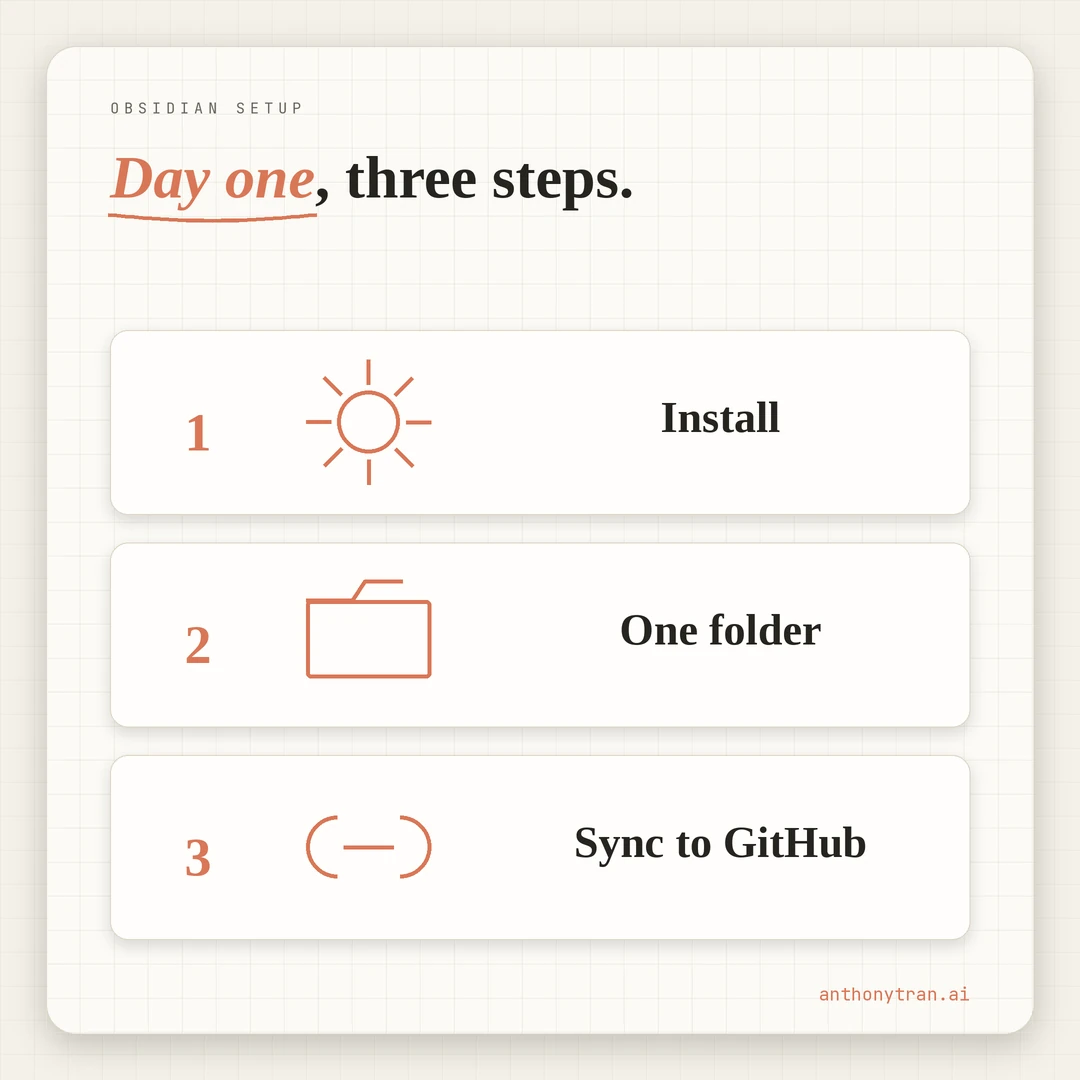
The three-step day-one setup
The setup is three things, in this order.
Install Obsidian. Point it at one folder on your computer. Sync that folder to GitHub through the Obsidian Git community plugin.
That is the move. Three steps, maybe an hour total.
Five aha moments came out of running it the right way. Each one explains why this stack beats what I had before, and why I would not go back.
If you have already read how I built my entire AI workspace in one day and the four foundation files every Claude user needs, this post is the storage and reading layer underneath both of those. The day-one workspace and the four foundation files were the right idea. Obsidian is the right home for them.
Why Obsidian beats Google Drive or Notion
The first realization was the biggest. Obsidian is not an AI tool.
It does not run Claude. It does not run ChatGPT.
It does not run Gemini. It is a plain markdown editor that reads files off your disk.
That is the feature.
Every file in my vault is plain markdown. No proprietary format.
No vendor-locked database. If Claude is the best model today and Gemini is the best model in six months, the vault works with either one.
The work I do this month compounds into the next model and the model after that.
Treat your knowledge layer as independent of any specific AI tool. The work is yours. The model is replaceable.
I spent the first month locked into one tool’s project format. I would have rewritten everything if I had switched models. Now I could move tomorrow if I wanted to, and nothing on disk would change.
How GitHub keeps your vault safe
Google Drive is built for documents. Word files.
Sheets. PDFs.
The kind of things that change a few times a day, where conflict resolution is a non-issue.
A Claude session does not work that way. I might create twelve markdown files in an hour, edit eight more, rename three, move four into a different folder.
Drive sees that and sometimes panics. Files lock for a few seconds.
Sync queues back up. Once in a while a case-insensitive conflict ate a folder.
GitHub does not panic.
I installed the Obsidian Git community plugin and set it to auto-commit and sync every 30 minutes. The vault is now a private GitHub repo.
Every change has a commit. Every commit has a timestamp. If I delete the wrong file, it is one revert away.
The first time I caught myself thinking “wait, what did this file say last week,” I opened the GitHub repo and scrolled the history. The full diff was right there.
Drive does not give you that. Notion has limits on it.
GitHub gives it to you for free, and it lives outside the local machine. If my laptop dies tonight, the vault is safe.
Git is not magic. If you edit the same vault from two machines at once, you can still create conflicts.
Every few days I open the GitHub repo just to confirm the commits are actually landing. For a single-machine workspace running through Obsidian Git, this stack does what I need.
Why the reading layer matters more than I thought
Markdown files are plain text. You can open them in any text editor.
I tried that for the first week. They looked like markdown.
# Title. ## Subhead. Lists with dashes.
Links wrapped in brackets. Functional, but not pleasant to actually read. Every file felt like raw source code.
Obsidian renders them.
The same file that looked like syntax in a text editor opens in Obsidian as a clean document. Headings show as headings.
Bold shows as bold. Wiki links between files show as clickable connections. The whole vault becomes browsable, not just searchable.
That sounds like a small thing. It is not.
The vault is where I read my own knowledge back to myself. If reading the vault feels like reading code, I avoid it.
If reading the vault feels like reading a book, I open it constantly. The reading layer is what turned the vault from a storage location into a place I actually spend time.
The graph view, the backlinks, the file tree, all of it serves the same purpose. The vault is a brain you can browse, not just a folder you can grep.
The Raw folder pipeline and the Web Clipper
The biggest gain was something I did not even know existed when I started.
Obsidian has an official browser extension called Web Clipper. You hit a button on any web page and the page gets saved into your vault as a clean markdown file. For many YouTube videos, it can grab the transcript too, when one is available.
Before this, my research process was the same as everyone else’s. I would read a blog post, maybe save the URL or copy a quote into a notes app.
I would watch a YouTube video and hope the takeaway stuck. Most of it did not.
Now the workflow is different.
I clip everything into a Raw folder: blog posts, YouTube transcripts, PDFs, screenshots, anything I might want to come back to. The folder is the unprocessed inbox. I do not read most of it the day I clip it.
Then I tell Claude to look at what is in Raw and digest it. Claude reads the source.
Tells me which pieces are worth my time. Tells me which lessons should land in my Knowledge wiki. Pulls quotes I should save into the right places.
A two-hour YouTube video becomes a Knowledge article in fifteen minutes. A blog post I would have skimmed becomes structured notes I can reference six months later. Source material I would have lost stays in the system, indexed and searchable, ready for the next post or video script that needs it.
The Raw folder pipeline is the closest thing I have to making my own attention go further. Hours saved.
Knowledge captured. None of it would work without the vault sitting underneath.
Why one vault beats project-per-business
The last realization was the simplest one to describe and the hardest to feel until I tried it.
I started with separate projects per business. Each had its own context, its own memory, its own foundation files. I was running parallel briefings of myself.
Now there is one vault. One Context folder with the universal files.
Project subfolders for each business. A shared Knowledge wiki that crosses business boundaries because knowledge crosses business boundaries.
A marketing lesson I learn from the personal brand applies to the agency. An AI lesson I learn from the agency applies to the personal brand. A copywriting lesson applies to all of them.
Claude opens any session with the full picture. My career, my family, my values, my businesses, my current state across every project.
There is no “let me catch you up” moment. The catch-up already happened the first time I wrote it down.
This part is not magic. The bridge between Obsidian and Claude depends on your setup.
In my case, my Claude tool reads files from the vault folder directly, so the context loads at session start. Other setups achieve the same thing different ways: project knowledge uploads in Claude projects, MCP connectors for advanced workflows, or manual paste at the top of a session.
The vault stays the source either way. The connection method is just plumbing.
It is hard to describe how different this feels until you have worked the other way for a month first. You stop thinking about which project to be in.
You just talk. The right context is already loaded.
Claude files the work in the right place because the structure tells Claude where everything goes.
I called the folder my AI Brain because the word felt right. It holds my whole working life.
Plain markdown on disk. Backed up to GitHub.
Browsable in Obsidian. Readable by any model.
Put This Into Practice
Block one hour. Open a Claude session. Paste this in.
I am setting up an Obsidian vault as the foundation for my AI workspace. Walk me through the setup one step at a time. Wait for me to confirm each step before moving on.
Step 1: Tell me how to install Obsidian and create a new vault on my computer. I want the vault to live somewhere I can find it easily.
Step 2: Tell me how to install the Obsidian Git community plugin and connect the vault to a new private GitHub repository. I want auto-commit and sync turned on every 30 minutes.
Step 3: Help me create the starter folder structure inside the vault. I want a Context folder for foundation files, a Projects folder for active work, a Knowledge folder for processed research, and a Raw folder for unprocessed clips.
Step 4: Tell me how to install the Obsidian Web Clipper browser extension and point it at my new vault. I want it saving to the Raw folder by default.
Step 5: After the vault is set up, walk me through pasting in the four foundation files I already have, or building them from scratch if I do not yet, and putting them in the Context folder.
If anything I tell you is unclear or missing, ask before continuing.
When you are done, you will have a vault you can open every morning, sync that protects you, a clipper that captures the world for you, and one place that holds your full working life.
The four foundation files in the Context folder do the heavy lifting on every session. The vault around them is what makes the work compound month over month.
What I keep out of the vault
One thing the vault is not: a dumping ground for everything private.
The vault holds the context I want my tools to use. It does not hold passwords, API keys, client credentials, financial records, or anything I would not want sitting in a cloud repo.
GitHub gives me version history and off-machine backup, but a private repo is still a cloud service. For sensitive files, I keep them in a local folder I do not commit, or out of the system entirely.
The point is not to put your whole life into AI. The point is to have one intentional source of truth for the context you actually want your tools to use.
What I would skip if I were starting over
I would skip the project-per-business sprawl. One vault.
Subfolders per business. Same Context folder shared across all of them. The cross-pollination is the point.
I would skip Google Drive entirely for AI work. Use it for client deliverables.
Use it for billing. Do not use it as the working layer Claude reads from.
I would skip Notion as the core knowledge layer. It is great for databases, dashboards, and team workflows.
For files I want AI tools to read, edit, and preserve long-term, plain markdown wins. A proprietary database does not travel.
I would skip the “I will figure out the structure later” mindset. Spend an hour with Claude on day one to lay out the vault.
The structure shapes the work that fills it. Bad structure on day thirty is harder to fix than a thoughtful structure on day one.
The day I switched, I lost most of an afternoon to the migration. The day after that, every session was already faster. By the end of week one in the new vault, I would not have given up the setup for anything.
If I were teaching someone else to launch a personal brand with AI tomorrow, the very first thing I would hand them is this stack. Obsidian.
GitHub. Web Clipper. Plain markdown.
The model is replaceable. The vault is forever.
~ Anthony
Frequently asked.
Why use Obsidian instead of Google Drive or Notion for an AI workspace?
Obsidian works on plain markdown files stored on your computer. That means no vendor lock-in, no sync conflicts on rapid file creation, and the files travel with you to any AI model that can read text. Google Drive and Notion both broke down once I started rapidly creating and editing files with Claude in a single session.
How do you back up an Obsidian vault?
Use the Obsidian Git community plugin to auto-commit and sync to a private GitHub repository. Set it to commit and sync every 30 minutes. Full version history, no sync conflicts, and the repo lives outside your local machine if anything goes wrong.
What is the Obsidian Web Clipper used for?
It is the official browser extension from Obsidian. It saves blog posts and articles into your vault as clean markdown, and grabs YouTube transcripts when one is available. I use it to drop research into a Raw folder, then have Claude review it and pull the useful parts into a Knowledge wiki.
Stop re-explaining yourself to Claude.
Grab the free AI Starter Kit: my exact Claude setup, so it knows your business. Plus the lessons as they land.
Anthony Tran
13 years in marketing and an Air Force veteran. I use Claude every day to market and grow my own business, and I break down what works in plain English. Writing and recording from Arizona.