
Claude talks to you the way it talks to everyone else, until you tell it who you are. Answer seven questions one time in your settings, and every chat after that responds the way you actually want.
Why does Claude sound so generic?
Because it does not know you yet. Out of the box, Claude gives you the same general-purpose answers it gives everyone, so they come back safe, middle of the road, a little robotic.
The fix is not some clever prompt you have to hunt for. It is a box in your settings, your Claude custom instructions, where you answer a handful of questions one time.
After that, every new chat already knows how you want it to work.
Most people never open that box. They just start a new chat and start typing, then wonder why the tool feels flat. I did the same thing for a while, and the setting was sitting there the whole time, waiting for me to tell it who I was.
The one setting most people never open
Open your Claude settings and look for the section called Instructions for Claude. You get there by clicking your initials in the bottom left corner, then Settings.
Anthropic relabels things now and then, so if the wording looks a little different when you go find it, it is the box that lets you tell Claude how to work with you. Whatever you put there applies to every conversation you have after.
Think of it like the memory seat in a car. You set the position one time, and every time you get in, the seat is already where you want it.
You are not adjusting it from scratch on every drive. Your instructions do the same thing for Claude.
You write down how you want it to show up, once, and it shows up that way from then on.
This is different from the setup I covered in my post on talking to Claude like a coworker. That post is about the context you give inside a single chat, the who, what, and how for one task.
This is the layer underneath it, the stuff that is true no matter what you are working on. If you have read my three-layer settings walkthrough, this is Layer 1, the part that travels with you across every Claude chat, no matter what you are working on.
The 7 questions to answer once
Here is what to actually put in that box. Seven questions, answered in plain English.
These are not official Anthropic rules, just the way I think about what belongs in there. You can borrow mine or write your own.
- Who are you? This is the foundation. One or two lines: your name, what you do, the context you bring. Now Claude is talking to a real person with a real job, not a stranger.
- Who is Claude to you? This sets the relationship. Do you want a partner, a coach, a tutor, a friend? An assistant takes orders and says yes to everything. A smart friend tells you what it actually thinks. Pick the word, because it changes the whole tone.
- How should Claude talk to you? If you only do one of these seven, do this one. It is the biggest lever on how the answers sound. Casual or formal, plain or technical, punchy or polished. You are teaching it your style.
- How much depth do you want? This one is about length, not tone. Tell it to keep answers short by default and go deeper only when you ask. Set it here and you stop asking every time.
- How much freedom does Claude have to act? Should it check with you at every step, or just do the thing? If you move fast, tell it to act. If you are more careful, tell it to ask first. Your call.
- Can Claude have an opinion? This is the one most people miss. By default, AI leans toward agreeing with you, so it goes along with your ideas and props them up. That is not always helpful. One line giving it permission to push back turns it from a yes machine into a real thinking partner.
- What are your hard rules? The lines it can never cross. Words it should never use, topics to avoid, formats you hate. Mine has a real pet peeve on it, which I will get to in a second.
That is the framework. Seven answers, one time.
What my instructions actually say
Here is my own setup, so you can see how plain this can be.
Who I am: a longtime marketer running a personal brand and a few businesses, and I am not a coder. Who Claude is to me: a smart, direct friend, not an assistant.
How it should talk to me: short sentences, simple words, no jargon, no corporate buzzwords, get to the point. How much detail: keep it short by default and expand only when I ask.
How much freedom: if it can just do the thing without asking, do it. Whether it can push back: challenge me when it helps, and never agree just to be nice, because I would rather have honest pushback than a pat on the back.
And my one hard rule: never use em dashes, because to me they are the number one tell of AI writing.
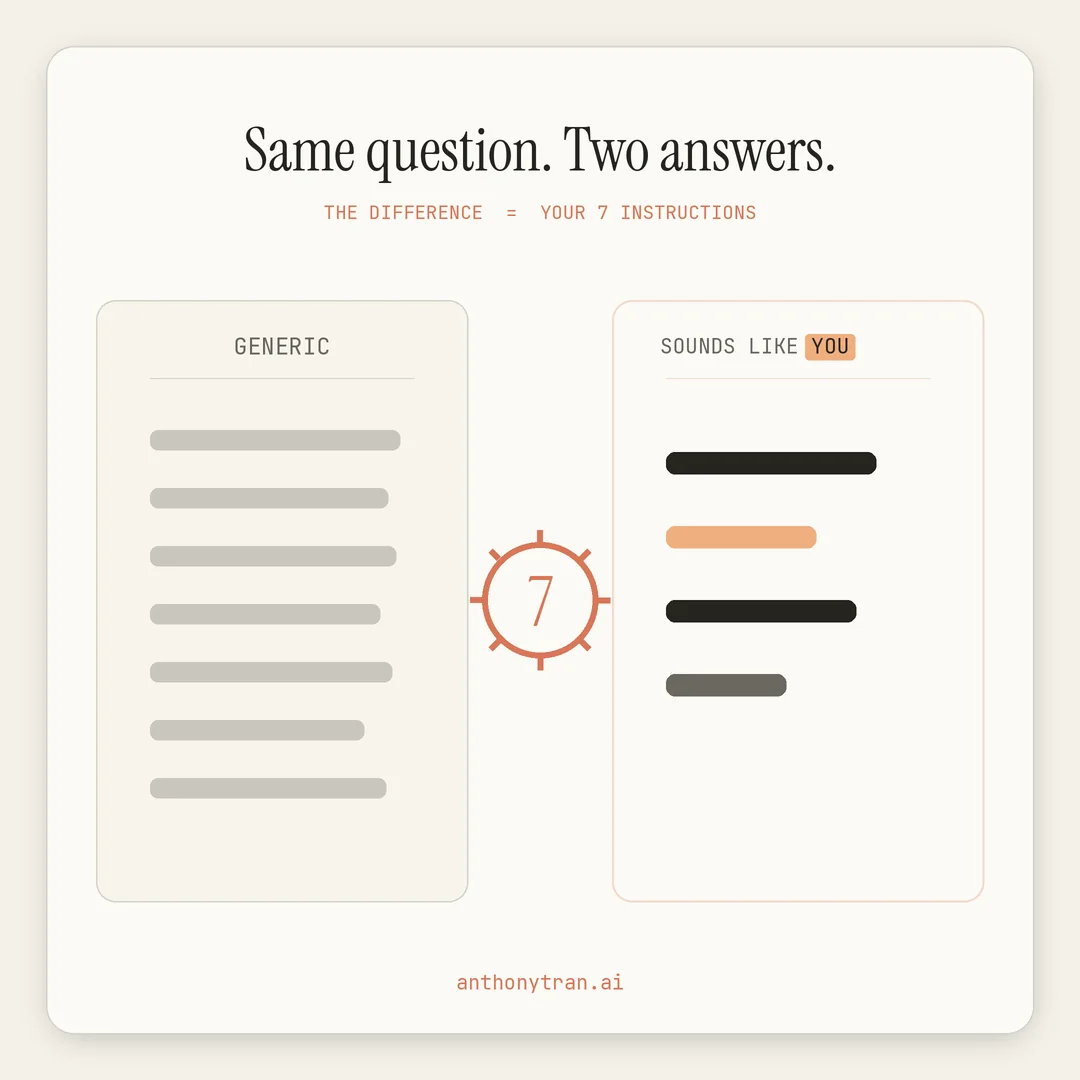
None of that is fancy. It is just me telling Claude how I already like to work.
But the difference in what comes back is night and day. Before, I would get the same padded, buzzword-heavy answer anyone would get.
Now it comes back tight and plain, the way I actually talk. Same tool, completely different result, and I only had to say it once.
You do not have to get this perfect on the first try either. Trust me, mine has changed plenty as I figured out what bugged me. Start with a rough version, use Claude for a week, and tweak the lines that are not landing.
One quick word of caution
Your instructions shape how Claude talks and behaves. They do not make it right.
It can still be confidently wrong on facts, so check anything that matters before you act on it. Anthropic’s AI Fluency framework calls that habit discernment, judging whether the output is actually any good.
Keep sensitive client or customer details out of a settings box that applies to every chat. And this does not replace giving good context for each task, it just handles the part that is true every time.
Set the foundation here, then still brief it well on the actual job.
Put This Into Practice
You can write all seven answers from scratch. Or you can let a tool do the heavy lifting.
I built a free Claude Instructions Generator that walks you through these exact seven questions and writes the whole thing for you. You answer in your own words, it hands you a clean set of instructions, and you paste that into your Claude settings and hit save. No account, nothing to buy.
If you would rather do it by hand, here is a prompt you can paste into Claude right now to draft it with you.
Help me write my Claude custom instructions. Ask me these seven questions one at a time and wait for my answer before moving to the next one:
- Who are you, and what do you do?
- Who should I be to you: a partner, a coach, a tutor, or a friend?
- How should I communicate: short or long, casual or formal?
- How much detail do you want by default?
- How much freedom do I have to act on my own before checking with you?
- Do I have permission to push back and disagree with you?
- What are your hard rules, the things I should never do?
After I answer all seven, write them up as a clean set of instructions I can paste into my Claude settings.
Once it is in there, open a fresh chat and feel the difference right away.
The whole thing in one line
Claude is only as good as what it knows about you. Most people fight with it, get generic answers, and blame their prompts.
It is not the prompts, it is the setup. Answer these seven questions one time, and every chat after that sounds like it was made for you. Go ahead and set yours tonight.
~ Anthony
Frequently asked.
What are Claude custom instructions?
They are a saved set of rules in your Claude settings, under Instructions for Claude, that tell Claude who you are and how to work with you. Whatever you put there applies to every new chat, so you stop repeating your preferences every time.
Where do I find Instructions for Claude?
Click your initials in the bottom left corner of Claude, then open Settings, and look for Instructions for Claude. Anthropic tweaks the layout now and then, so if the label looks a little different, it is the box for telling Claude how to work with you.
Do custom instructions replace giving context in each chat?
No. Instructions handle the preferences that stay the same every time, like your tone and how much detail you want. You still give each task its own context, the goal, the audience, and the details, to get the best result.
Stop re-explaining yourself to Claude.
Grab the free AI Starter Kit: my exact Claude setup, so it knows your business. Plus the lessons as they land.
Anthony Tran
13 years in marketing and an Air Force veteran. I use Claude every day to market and grow my own business, and I break down what works in plain English. Writing and recording from Arizona.