
I had the humanizer skill installed. I had the fact-checker installed. Neither got used unless I asked for it by name. Then I wrote one sentence per skill in my global Claude settings and the behavior changed.
The skill that sat unused
I installed the humanizer skill in 2026. I had watched a stack of YouTube reviews about top Claude skills.
I dropped the transcripts into my Raw folder and asked Claude to flag which ones were worth adding to my workflow. Humanizer stood out fast.
The skill scrubs the AI-writing defaults out of a draft. The em dashes.
The inflated symbolism. The words that scream “this was written by a language model. Obvious value.
I installed the fact-checker skill not long after. I had been catching AI invent details in some of my drafts and wanted a real check step. Also obvious value.
Both skills were installed. Neither got used reliably unless I asked for it by name.
I would finish a draft. Claude would not run the humanizer pass on its own.
Posts went out with AI tells. The fact-checker did not run either. Posts went out with details that needed checking.
The skills were installed. Claude just did not know when to reach for them.
The fix was one sentence per skill.
The trick is the trigger
A skill is a capability. An auto-trigger rule is the sentence that tells Claude when to use that capability without you asking.
Without the trigger, the skill sits.
Claude can use installed skills on its own. It reads each skill’s name and description first, then pulls in the full instructions when relevant.
If the description is vague, or if no rule says “use this skill when X is happening,” Claude may skip the skill even when it would help. That gap is what the auto-trigger rule fixes.
There are two places this trigger lives. The first is the skill’s own description, which Claude uses to decide whether the skill is relevant.
The second is your global Claude instructions, where you say how you personally want the skill used. If a skill is not firing, check both.
I wrote one sentence in my global Claude settings: “Always run the humanizer skill on any content I am going to publish. Same pattern for the fact-checker.
After that, Claude started running both passes consistently in my publishing workflow. The rule did the work.
That is the auto-trigger pattern. One sentence per skill.
Format: “Always run [skill name] on [condition]. Put it in your global Claude settings so it applies across every conversation.
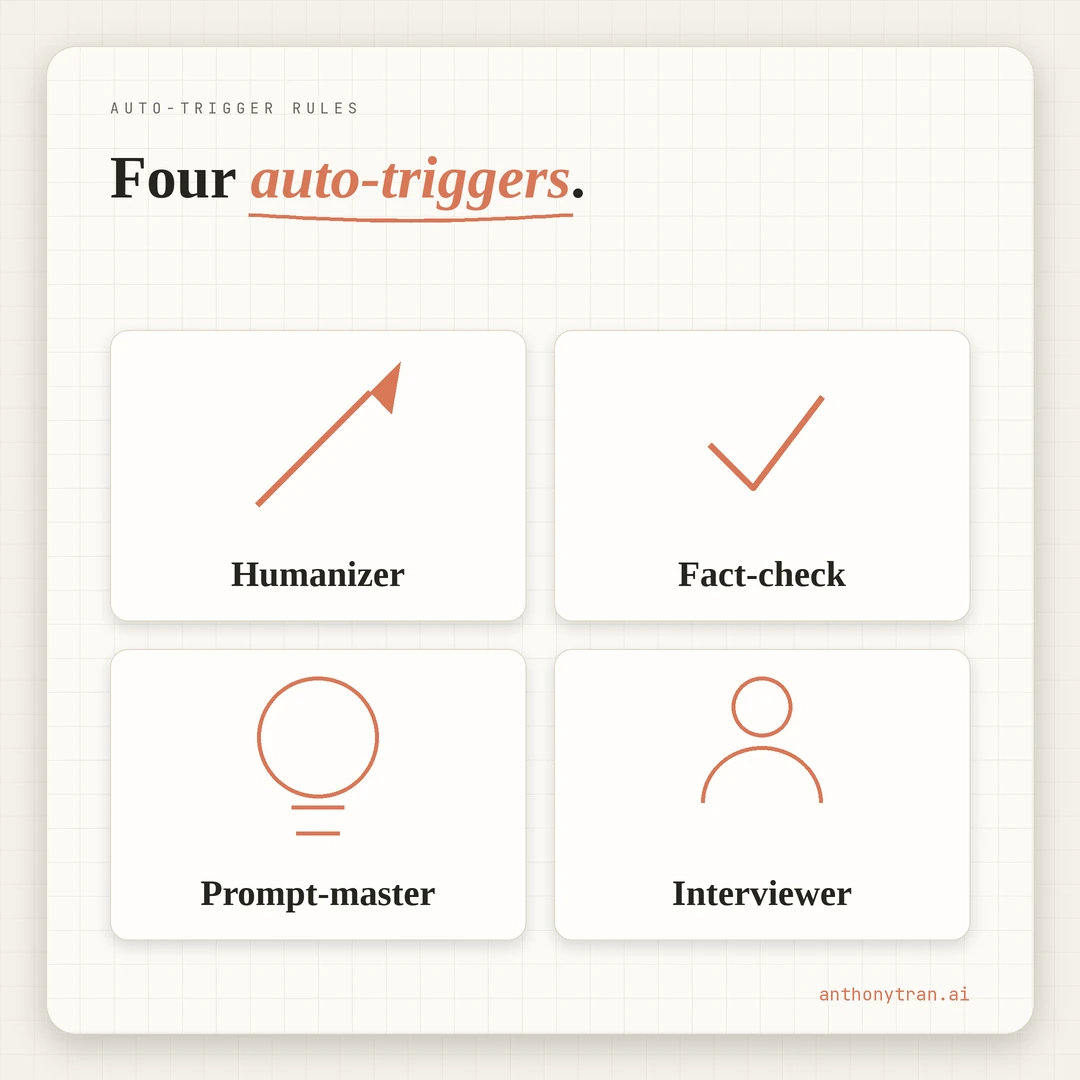
My four auto-trigger rules
Here is what lives in my global Claude settings today.
Humanizer. Always run the humanizer skill on any content I am going to publish or send out. This includes video scripts, YouTube descriptions, emails, newsletter copy, web copy, and any social posts. Run it as the final pass before showing me the draft.
Fact-checker. Always run the fact-checker skill on any content with statistics, data points, dates, product names, or claims about tools and companies. Run it before the humanizer pass. If anything fails or is unverifiable, flag it and stop.
Prompt-master. Always run the prompt-master skill when I give a long unstructured brain dump for a complex task. This is for tasks like building a skill, planning a campaign, or scoping a project. Skip it for short or simple requests.
Process-interviewer. Always run the process-interviewer skill before building any new skill, even if I sound like I already know the process. The interview catches gaps I do not see.
Four sentences. That is the entire rule set. Claude reaches for the right skill because the moment is named.
Why this matters for a personal brand
AI-generated content has tells. Inflated phrases.
Em dashes everywhere. Made-up data points that sound plausible until someone looks them up.
Readers can smell it. Once they smell it, the trust hit is hard to recover.
The humanizer scrubs the writing tells. The fact-checker flags the invented data.
Both are quality checks. Both are pointless if Claude does not reach for them on every draft.
Auto-trigger rules wire the quality check into the workflow instead of into your memory. The personal brand stays consistent because the discipline lives in the workflow, not in your head.
If I had to remember to run both skills on every post, I would skip them. Most nights I write tired.
Most nights I want to push the post and move on. The trigger removes the choice. Claude reaches first.
Put this into practice
If you have Claude skills installed and they are not getting used, write the trigger.
Check the skill description first. Claude reads each skill’s name and description to decide whether to use it. If the description is vague, fix that first. A specific description plus a global rule is the strongest combination.
Open your global Claude settings. In Claude Cowork or Claude Desktop, this is the personal preferences or global instructions section. Add the rules there so they apply across every conversation, not just one project.
Write one sentence per skill. Use this format:
Always run the [skill name] skill on [condition]. [Optional second sentence with failure handling.]
Examples for content work:
Always run the humanizer skill on any content I am going to publish.
Always run the fact-checker skill on any content with statistics, dates, or claims about tools and companies. If anything fails or is unverifiable, flag it and stop.
Always run the prompt-master skill when I give a long unstructured brain dump for a complex task.
Make the condition specific. “On any content with statistics” tells Claude exactly when to act. “On important content” is too vague. Claude needs the actual signal, not a feeling.
Test both directions. Hand Claude a draft that should trigger your rule. Then hand it a draft that should NOT trigger your rule. Refine the condition until both behave correctly. A trigger that fires too often becomes friction. A trigger that fires too rarely becomes shelfware.
If you want help writing your own rules, paste this into Claude or your AI of choice:
I have the following Claude skills installed: [PASTE YOUR SKILL LIST]. Help me write a one-sentence auto-trigger rule for each one. Use this format: “Always run the [skill name] skill on [condition].” Make each condition specific enough that Claude can identify when to trigger without ambiguity. If a skill can fail in a way worth handling, add a second sentence covering what to do then.
Run the prompt. Refine each rule with your own context. Paste the final set into your global Claude settings.
Installed skills are just available. Triggered skills become part of the workflow. Tell Claude when to use them.
~ Anthony
Frequently asked.
Why don't my installed Claude skills get used automatically?
Most Claude skills only run when you invoke them by name. Without a trigger rule in your global settings, Claude waits to be told. The fix is to write a one-sentence rule for each skill that tells Claude exactly when to reach for it on its own.
Where do I put auto-trigger rules for Claude skills?
In your global Claude settings. In Claude Cowork or Claude Desktop, this is the personal preferences or global instructions section. The rules live above any specific project, so Claude applies them across every conversation.
What does an auto-trigger rule look like?
One sentence per skill. The pattern is Always run the [skill name] skill on [condition]. Example: Always run the humanizer skill on any content I am going to publish. Add a second sentence covering what to do if the check fails, like If anything fails or is unverifiable, flag it and stop.
Stop re-explaining yourself to Claude.
Grab the free AI Starter Kit: my exact Claude setup, so it knows your business. Plus the lessons as they land.
Anthony Tran
13 years in marketing and an Air Force veteran. I use Claude every day to market and grow my own business, and I break down what works in plain English. Writing and recording from Arizona.