
Handing Claude Cowork a real task is not like prompting a chatbot. It is more like briefing a sharp colleague who disappears, does the work, and comes back with it done. Here are the four moves that make it work.
How do you hand Claude Cowork your first task?
Here is the mindset shift that makes this click. Handing Claude a task is not like typing a question into a chatbot.
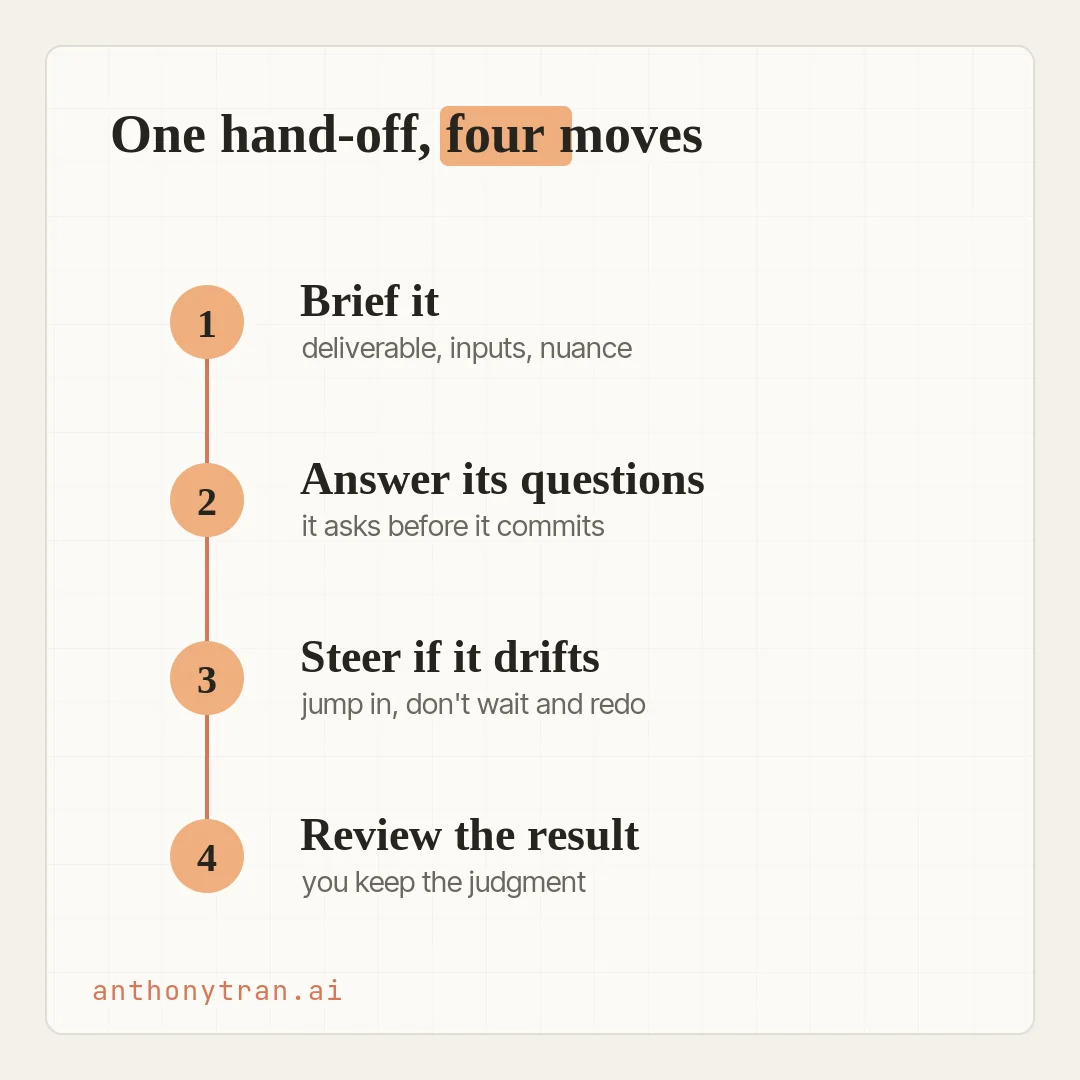
It is more like briefing a coworker who is about to disappear into the work and come back with it finished. You give a clear brief up front, you answer a question or two, you check in if it wanders, and you review what it brings back.
That is the whole thing, in four moves. Write the brief.
Answer its questions. Steer if it drifts.
Review the result. Do it once on something real and it stops feeling strange.
You already know what Cowork is and how to set it up from the earlier lessons. If you skipped ahead, start with what Claude Cowork can do so you pick a task that actually fits. Then come back and hand it off.
Move 1: write the brief
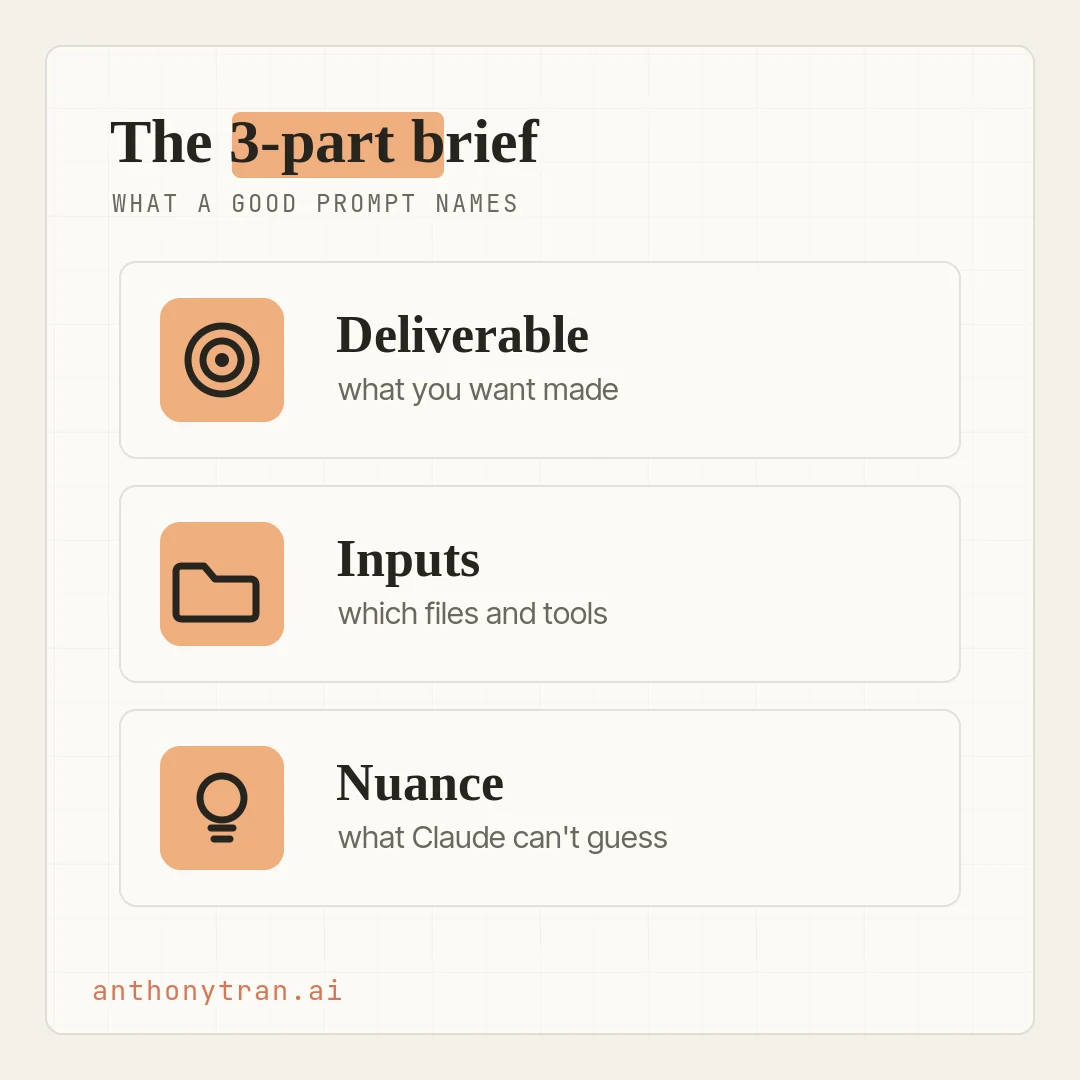
This is the biggest lever you have. A weak brief usually gets you a weak first draft, and a clear one saves you a pile of back-and-forth. A good brief names three things.
- The deliverable. What you want at the end. “A one-page brief.” “A slide for the meeting.” “A ranked list with a note on each.” Name the format, the length, and where to save it, so you do not have to ask again.
- The inputs. What it should work from, and only that. Which folder, which files, which channel, which dates. Cowork is only as good as the stuff you point it at.
- The nuance. The things Claude cannot guess. Who it is for, what to lead with, what it must not change, and what to flag if it cannot verify something. This is where your own know-how goes in.
If you come from chatbots, this feels like more work up front. It is. The trade is that more of the context lands before Claude starts, instead of leaking out across five rounds of “actually, can you also.”
Move 2: answer its questions
Claude often kicks off a task by asking a question or two. Do not read that as the tool being slow. It is Claude closing the gaps in what it knows before it commits to the work.
In Chat, context shows up as you go. In Cowork, you hand off the whole job, so anything that might trip it up comes up front as a question.
Often it is a quick multiple choice, like “I see two files with almost the same name, which one do you mean. Pick the one that fits, or answer in your own words. A few seconds here saves you a wrong draft later.
It will not always ask, though. Sometimes it just makes a sensible call and starts. So glance at its plan early, and if you spot an assumption you did not mean, correct it before the work goes further.
Move 3: steer if it drifts
Once it starts, you can watch its progress as it goes, and for anything that changes files or takes an action, ask it to show you the plan first. If it grabs the wrong file, or the tone is off, or it is heading somewhere you did not mean, jump in. You do not have to wait for it to finish and then start over.
That last part matters, because the chatbot habit is to let the answer finish and then hit regenerate. Drop that habit here.
Cowork is built for course corrections, and the cost of a nudge is low. Redirect it while it is still working and it picks up from where it was.
Move 4: review the result
When it finishes, you can review the work right in the app. If you asked it to save a file on your computer, check the exact spot it says it saved to, and open it there.
Read it the way you would read a draft from someone you trust but do not know well yet, with your judgment turned all the way on. A few things to check the first few times:
- Did it hit the actual goal, or something close but not quite what you asked for?
- Are the facts real? If it cites numbers or quotes, ask Claude which files it pulled from, then check them yourself.
- Does anything sound made up? A date, name, or quote you cannot trace back to an input is a flag, not a feature.
If it is mostly right, tell Claude what to fix instead of starting fresh. It keeps the task context, so you can point at the one thing to change instead of restating the whole brief.
And one thing holds no matter the mode you are in: Claude always asks before it permanently deletes a file. That is a real guardrail, but it is not everything.
Moving, renaming, or overwriting a file can still cause a mess, which is exactly why your first run should work on a copy.
The easiest first task
Here is a low-stakes first hand-off. Make a copy of a messy project folder, ordinary stuff, nothing sensitive, and point Claude at the copy, not the original. Then ask it to look through the folder and propose a cleanup plan before it changes a thing.
It comes back with a plan: folders to make, how to sort things, what looks like a duplicate. You read the plan, fix the one or two things it got wrong, and only then tell it to go.
Real files, clear edges, easy to check, and your originals stay safe the whole time. That is the whole loop in miniature, and it is the one I would start anyone on.
Put This Into Practice
Here is a fill-in-the-blank brief for your first real hand-off. Swap in your own task, point Claude at the right folder, and send it.
I want you to make [the deliverable: a one-page brief, a slide, a ranked list], and save it as [filename] in [where]. Work only from [the inputs: this folder, these files, this channel, this date range]. Do not use anything else without asking me first. A few things to know: [the nuance: who it is for, what to lead with, what matters, what you must not change]. Show me your plan before you make any changes, and ask if anything is unclear. For any number or quote, tell me which file it came from. Flag anything you cannot verify instead of guessing.
For this first run, set Cowork to Manual so it pauses and asks before any real action. Asking for a plan helps, but Manual is the setting that actually makes it wait for your okay. And if you are testing the folder cleanup, run it on a backed-up copy, not the original.
Answer whatever it asks, watch the plan, and review what it hands back. That first run teaches you more than any guide can.
You keep the judgment
So here is where I land. Handing off your first task is four moves: brief it, answer its questions, steer if it drifts, review the result.
None of it needs code, and none of it needs you to get the prompt perfect. It just needs one real job you are willing to let go of.
Remember the line that keeps this safe. You are handing off the work, not the judgment.
Claude does the doing. You still decide what is good enough to use.
Pick one task this week, walk it through these four moves, and see what it brings back.
~ Anthony
Frequently asked.
How do you give Claude Cowork a task?
Point it at only the folder and tools the job needs, then write a brief that names the deliverable, the inputs, any nuance it cannot guess, and where to save the result. For your first task, set it to Manual approval, ask it to show a plan before it changes anything, watch it work, and check the result against your brief.
Does Claude Cowork always ask questions before it starts?
Not always. It often asks a question or two when something is missing or unclear, usually a quick multiple choice. But sometimes it just makes a sensible call and starts. So glance at its plan early and correct any assumption you did not intend before the work goes further.
How do I check Claude Cowork's work?
Review it like a draft from a new hire. Check that it hit the goal, confirm any numbers or quotes by asking which file each one came from and then checking, and make sure it did not change files you did not want touched. If it is mostly right, tell Claude what to fix instead of starting over.
What is a safe first Claude Cowork task?
Use a backed-up copy of an ordinary, nonsensitive folder, not the original. Ask Claude to look through it and propose a cleanup plan without changing anything. Review the plan, then approve the changes manually. You get the full loop, briefing, planning, steering, and review, with your real files safe.
Stop re-explaining yourself to Claude.
Grab the free AI Starter Kit: my exact Claude setup, so it knows your business. Plus the lessons as they land.
Anthony Tran
13 years in marketing and an Air Force veteran. I use Claude every day to market and grow my own business, and I break down what works in plain English. Writing and recording from Arizona.