
You have probably chatted with Claude by now. Cowork is different. You hand it the whole job, it works with your files and tools, and it brings back something finished. Here is what that means.
What is Claude Cowork?
Claude Cowork is a mode where Claude does the work alongside you, not just answers your questions. You tell it the outcome you want, give it the files and tools it needs, and it works through the steps and hands back something finished. That might be a document, a spreadsheet, a slide deck, a tidied-up folder, or a job done inside another app.
The short version: Chat is where you ask Claude things, and Cowork is where you hand Claude the whole job. Most of what follows comes from Anthropic’s own free Introduction to Claude Cowork course, plus what I have learned using it every day. I pulled out the parts that actually matter for someone running a business, in plain English.
A couple of things to know up front. Cowork needs a paid Claude plan.
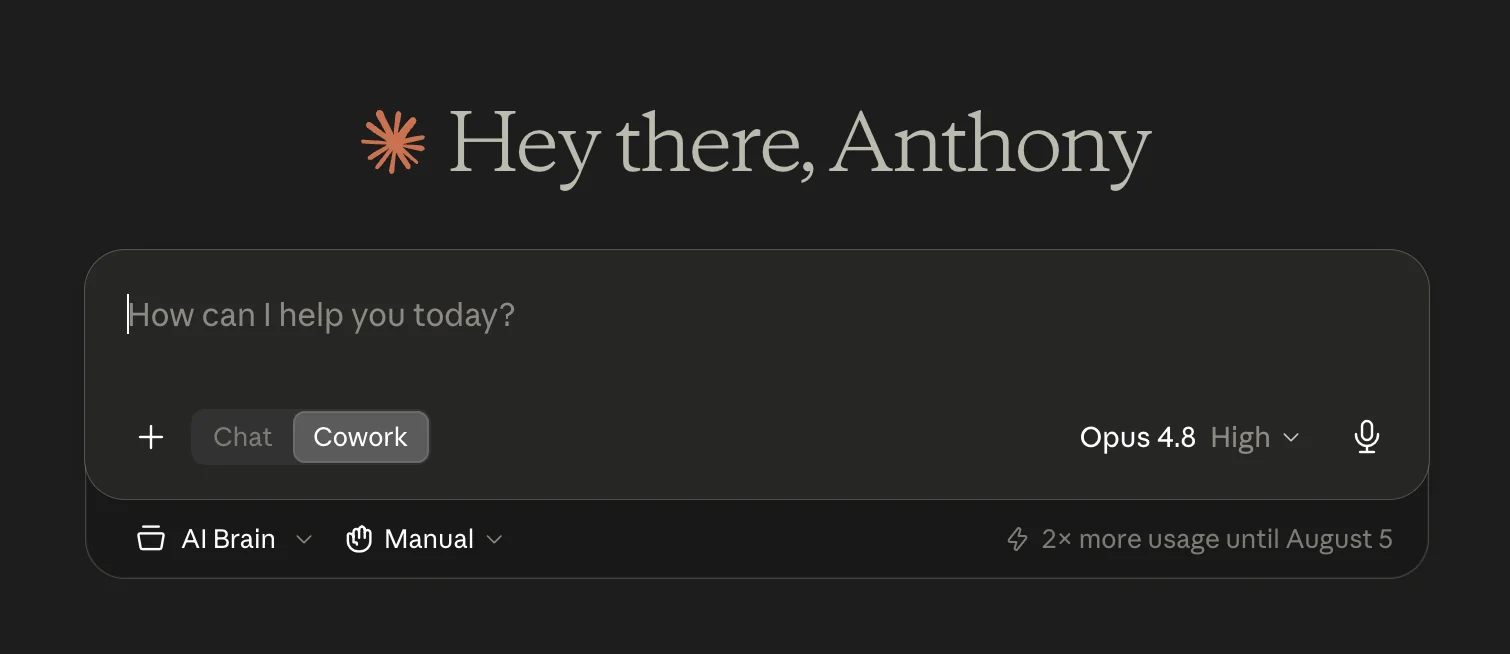
It started on the Claude desktop app and is now rolling out to the web and your phone too, so you can kick off a task on one and pick it up on another. Chat and Cowork share the same home now, so it is a simple toggle right under the message box.
If you have only ever used Claude in a browser and never flipped that toggle, then you have been in Chat the whole time, and Cowork is the mode most people never find.
The real shift: from asking to delegating
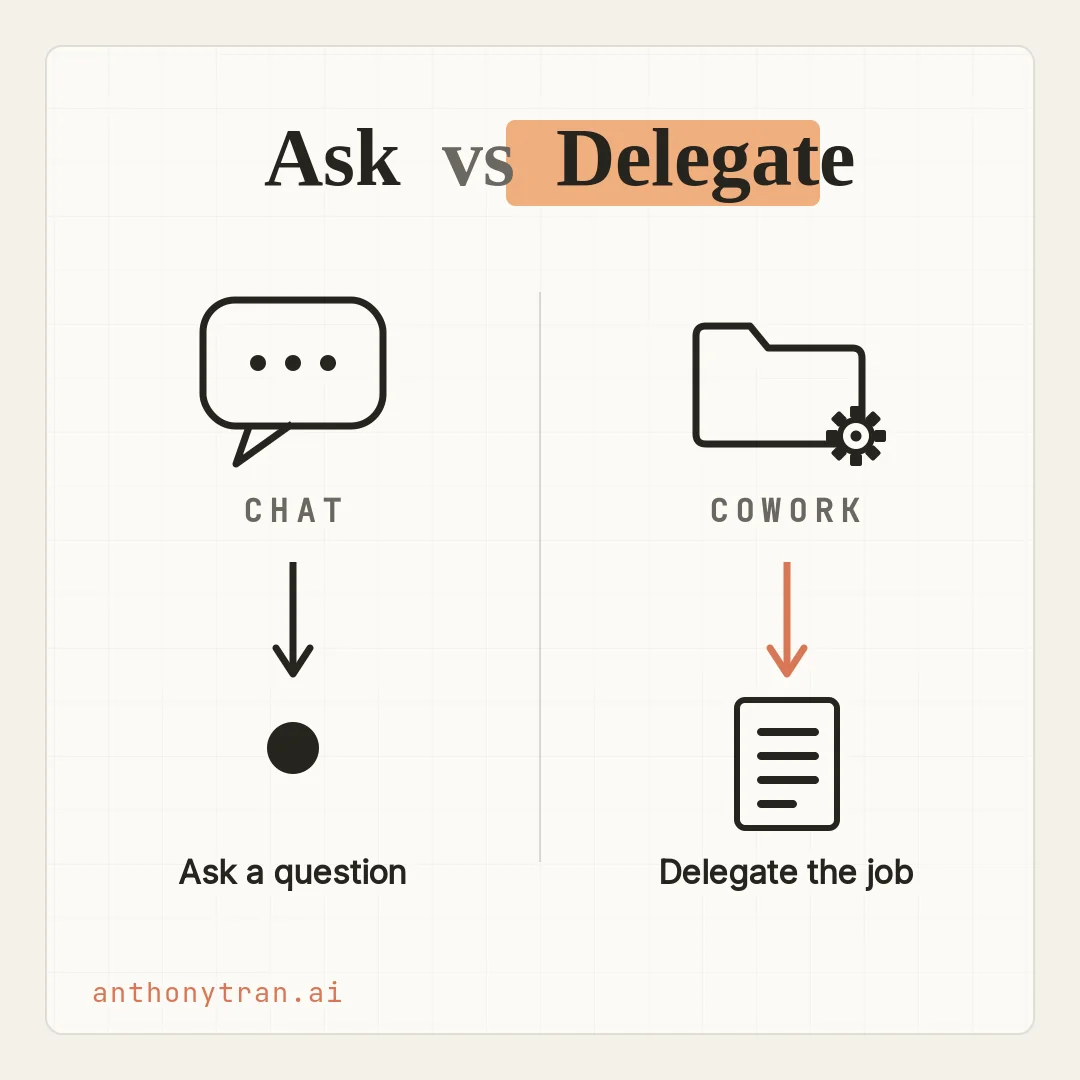
Here is the one idea to get, and it is the whole thing. Chat is turn by turn.
You type a question, you get an answer, you type a follow-up, and you stitch the steps together yourself. Cowork is different because you describe the outcome you want and Claude plans it, does the many steps, and brings back the finished thing.
You might be wondering why that matters when Chat already pulls from your tools. Fair question.
The difference is who does the stitching. In Chat, you are the one holding all the pieces together, one reply at a time.
In Cowork, you hand over the whole piece of work, the digging, the reading, the writing, and the file at the end, and let Claude run it.
Think of it like the difference between texting a coworker a quick question and handing that same coworker an entire project. Same person.
Very different ask. If you want the full breakdown of when to reach for each one, I wrote a separate walkthrough on Claude Chat vs Cowork vs Code.
This post is about what Cowork actually is and why it is worth learning.
Cowork works where your work already lives
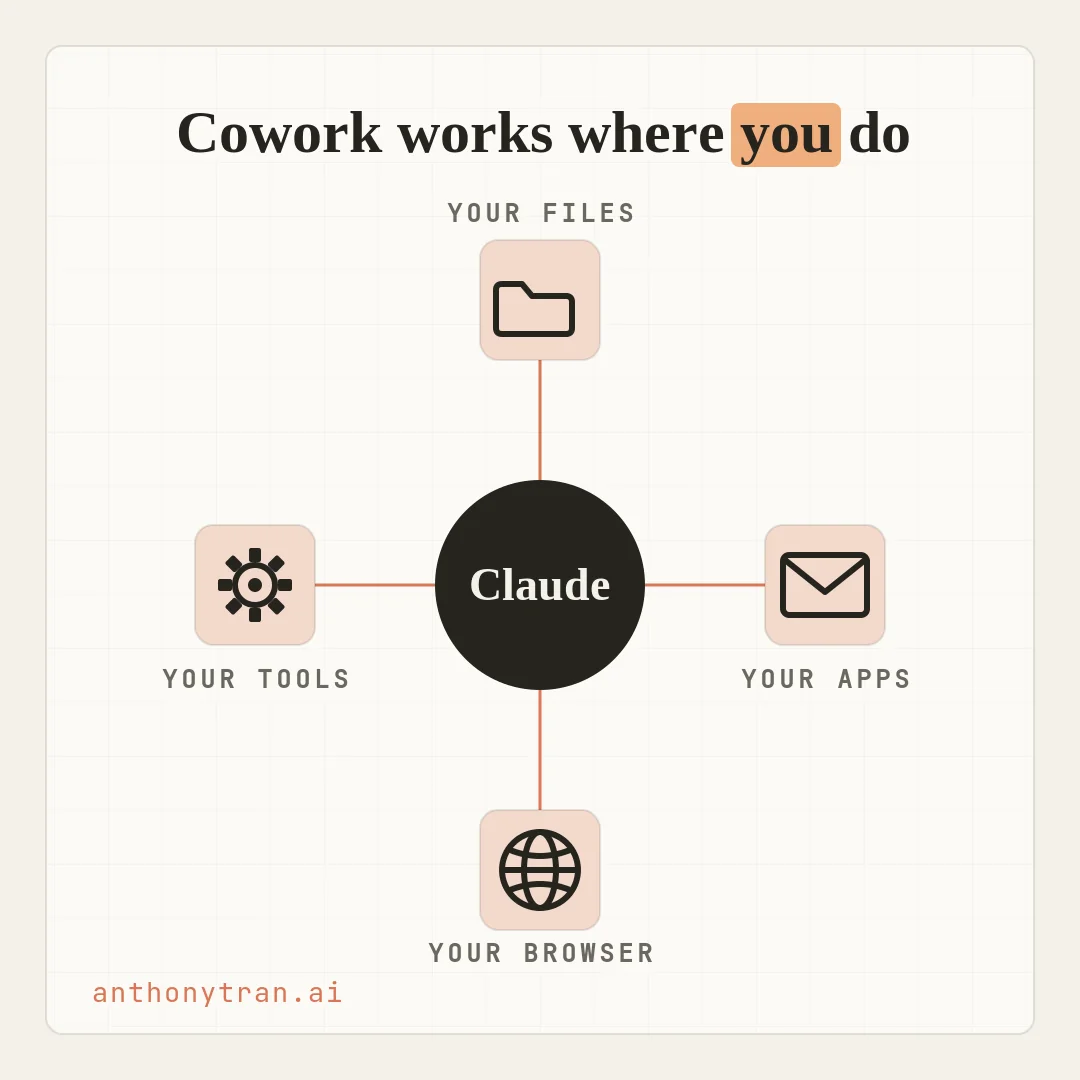
The other thing that makes Cowork click is where it reaches. It does not just live in a chat window. It works with the stuff you actually use, once you give it access.
- On your files. It reads what is in the folders you connect, and writes finished work back into them. On the web and your phone, this part still runs through the desktop app on your computer.
- In your apps. It pulls what it needs from the email, calendar, messages, and drive that you connect.
- In your browser. For a web tool with no direct connection, Claude can open Chrome and work right on the page, like a dashboard or a portal behind a login.
- With your tools. It takes the action for you, instead of just telling you the steps to take.
That is the part that turns Claude from a smart answer box into something that gets real work off your plate. Instead of you copying and pasting between a dozen tabs, you point Claude at the work and let it go.
One honest note on how this works under the hood. Even when Cowork opens a file from your computer, the actual work happens on Anthropic’s servers, not on your machine, which is also why a task can keep running after you close your laptop.
For everyday work that is fine. But if you deal with confidential client information, check your plan’s privacy settings first and keep the truly sensitive files out of it.
How I actually use Cowork
Let me be honest about my own setup, because it surprised me too. Cowork is the only Claude I use now.
I am not a coder. I never learned how, and I never needed to.
When I found Cowork, it quietly became the only place I work with Claude. I delegate the big jobs to it.
This very post is one of them. I pointed it at the course notes and my site files, had it work up a draft, build the images, and save everything into the right folder, and I steered it the whole way.
But I also do the small stuff there. When I want to brainstorm, think out loud, or just ask for advice, I do that in Cowork too.
Now, the course will tell you that Chat is the place to think out loud and Cowork is the place to delegate, and that is good advice. Chat is genuinely great for a quick back and forth, and it uses less of your Claude allowance, so for a fast one-off question it is the lighter choice.
I just happen to do my thinking in the same place I do my work. Find the setup that fits how your brain works.
There is a third mode too, called Claude Code, built mainly for developers working in software. I have never opened it. If you run a business like I do and you do not write code, then Cowork is almost certainly the one for you.
And you stay in control the whole time. Cowork works out a plan and shows you what it is doing as it goes, so you can jump in, redirect it, or stop it.
How often it checks with you before acting is your call. It has three modes: one that asks before it does anything, one that runs on its own with a safety check, and one that just goes without asking.
I keep mine on the first one, called Manual, so it pauses and asks before it takes any real action. Whatever mode you pick, it always asks before it permanently deletes a file.
My advice: start on Manual, especially for anything with real stakes like sending messages or moving money, and loosen up only once you trust it.
One quick word of caution
Cowork is powerful, and that is exactly why a little care goes a long way. It can read and change real files, browse the web, run tasks, and act through your connected apps, and you are on the hook for what it does on your behalf. A few habits keep it safe.
Start it with a dedicated folder instead of handing it your whole drive, and keep backups of anything important. Keep passwords, financial records, health information, and confidential client data out of what you connect.
Read the finished work before you rely on it, the same way you would check a sharp new hire. And here is one most people miss.
Websites, emails, and documents can hide sneaky instructions written to trick an AI into going off track, so if Claude starts doing something you did not ask for, stop the task. When you let it control your computer directly, it works off screenshots of your screen, so close anything private first.
Used with that bit of care, it is one of the most useful tools I have.
Put This Into Practice
The fastest way to feel what Cowork is for is to stop asking it questions and hand it a real job. Not the work you would normally ask about. The work you would normally do yourself.
I run [type of business], and my week is mostly [the kind of work you do]. I want to find a good first task to hand off to Claude Cowork, something I would normally do myself instead of just ask about.
- Ask me up to 3 questions about the tasks that eat my week.
- Then suggest one task that is a good fit for Cowork, something with a few steps that pulls from my files or tools and ends in a finished piece of work.
- Tell me, in plain terms, what to point Claude at to get started.
Keep it simple. I am not a developer.
Then point Claude at the folder and the tools that job needs, and let it build the plan. That first hand-off is the moment it clicks.
The point is the hand-off
So here is where I land. Cowork is Claude taking on the whole job instead of one question at a time, working with the files and tools you give it while you stay in control.
You do not need to code, and you do not need to be technical. You just need one real task you are willing to hand off. Go ahead and open Cowork this week, give it something you would normally grind through yourself, and watch what it brings back.
~ Anthony
Frequently asked.
What is Claude Cowork?
Claude Cowork is a mode where Claude takes on whole multi-step tasks, using the files, apps, and tools you give it, and hands back finished work like a document, spreadsheet, or organized folder. It needs a paid Claude plan and runs on desktop, with web and phone rolling out. Sessions run on Anthropic's servers, so your work follows you across devices.
What is the difference between Claude Chat and Cowork?
Chat is turn by turn. You ask a question and get an answer, one reply at a time. Cowork is for handing off a whole multi-step job that pulls from your files and tools and ends in finished work. Chat is for asking, Cowork is for delegating.
Do you need to know how to code to use Claude Cowork?
No. Cowork is built for regular work like research, writing, and producing documents, all in plain English. A separate mode, Claude Code, is aimed mainly at developers. If you do not build software, Cowork is the one for you.
Does Claude Cowork ask before it takes actions?
It depends on the mode you pick. Manual mode asks before it acts, Auto mode runs on its own with an automatic safety check, and Skip mode goes without asking. In every mode, it always asks before permanently deleting a file. For anything with real stakes, keep it on Manual and stay close.
Stop re-explaining yourself to Claude.
Grab the free AI Starter Kit: my exact Claude setup, so it knows your business. Plus the lessons as they land.
Anthony Tran
13 years in marketing and an Air Force veteran. I use Claude every day to market and grow my own business, and I break down what works in plain English. Writing and recording from Arizona.