
Ask Claude for something real, like a one-page tool, a formatted document, or a simple web page, and it can build it right beside your chat. Those are Artifacts. Here is what they are, in plain English, and what to actually build with them.
What are Claude Artifacts?
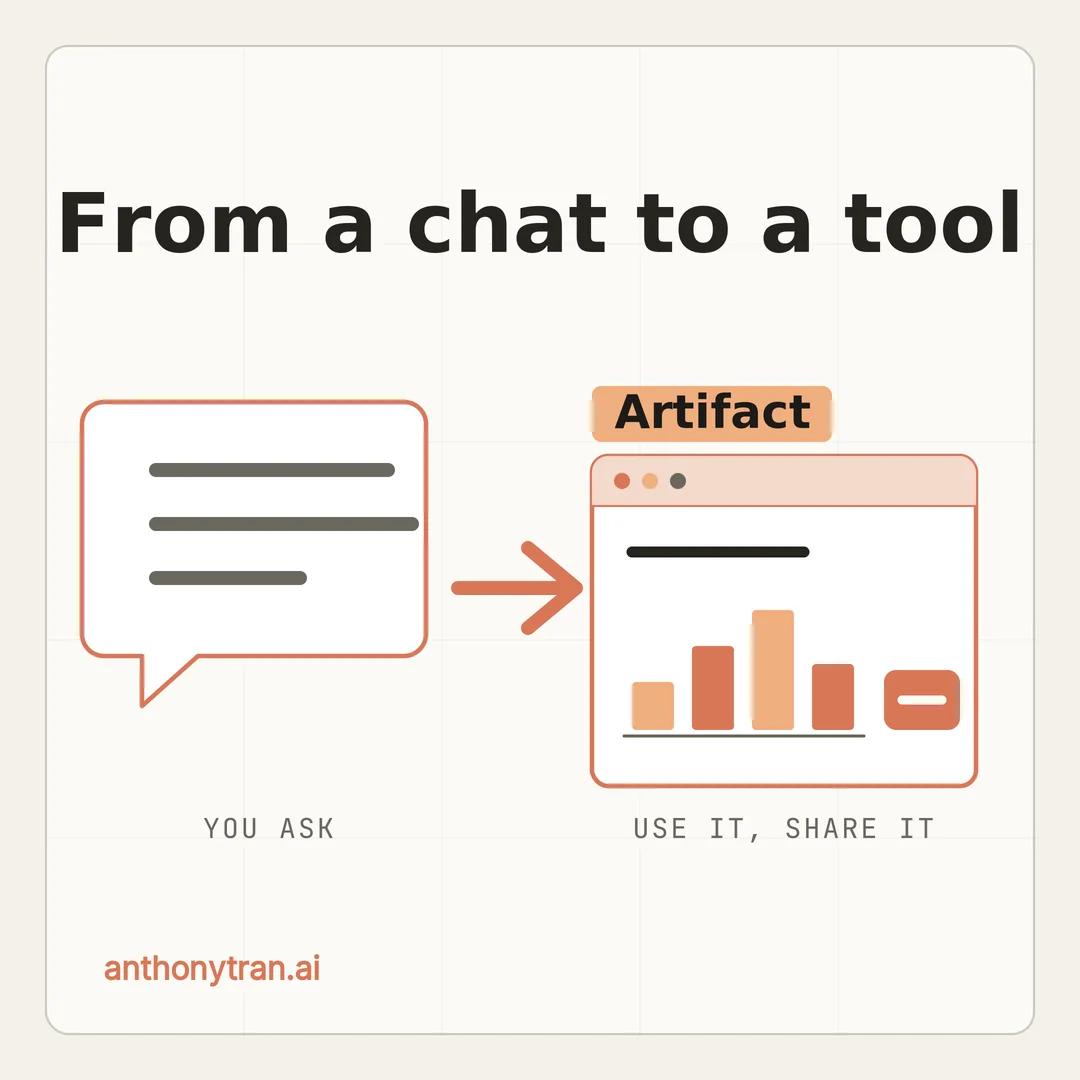
An Artifact is a standalone, usable thing Claude builds in its own window, right next to your chat. A document, a web page, a chart, a small tool. Instead of a wall of text or code buried in the conversation, you get the finished thing, ready to use, edit, download, or share.
Here is the difference it makes. Normally you ask Claude for something and the answer scrolls by in the chat.
With an Artifact, the answer is not just described to you, it is built for you, in a panel you can actually click around in. Most of this comes from Anthropic’s free Claude 101 course.
I took it and put the useful parts in plain English, so you do not have to dig through all of it.
Think of it as the deliverable, not the conversation
Picture asking a coworker a question. The back and forth is the chat.
But when they hand you a finished one-page report or a working spreadsheet, that thing in your hands is the deliverable. That is the Artifact.
The chat is where you talk it out. The Artifact is what you walk away with. And because it lives in its own window, you can keep tweaking it without scrolling back through a long thread to find it.
When Claude makes one
You do not have to do anything special. Claude creates an Artifact on its own when what you asked for is substantial and worth reusing, like a real document, a web page, or a tool, instead of a quick answer.
And if it does not make one when you expected it to, you just ask. Say “make this an Artifact” or “show me that in an Artifact,” and it moves it into the side window. That is all there is to it.
What you can actually build
This is where it gets useful for running a business. A few of the things Claude can build as an Artifact:
- Documents and files. Reports, project plans, meeting notes, reusable templates. Many can be downloaded as Word, PDF, PowerPoint, or Excel files so you can keep working.
- Web pages. A simple landing page, a form, a quick demo. One file, ready to view.
- Diagrams and flowcharts. Map out a process, an org chart, or how a customer moves through your funnel, without wrestling with design software.
- Small interactive tools. A budget tracker, a calculator, an estimator, a simple dashboard where you type something in and it does the math. These actually work, they are not just pictures.
- Code, if you build software. If you do not, you can happily ignore this one and still get plenty out of the rest.
You do not need to be technical for any of the first four. Trust me, I am not a coder, and this is the part I reach for the most. Pair it with a Project, and Claude can build these using your own files and context.
How to make your first one
It is as simple as asking. Describe what you want, and Claude decides whether to build it as an Artifact.
The trick is to be specific. “Build a budget tracker” works, but “build a monthly budget tracker where I type in expenses by category, see a pie chart, and get a warning when I go over” gets you something much closer to what you pictured. This is the same habit that gets better results from Claude everywhere else: the more context you give, the better the result.
When it appears in the side window, you can flip between the preview and the code, copy it, or download it. And here is the best part.
You do not start over to change it. You just ask.
“Make the header bigger. “Add a second column. One change at a time, and it updates in place.
Share it with a link
Once you have built something useful, you can hand it to other people.
On the free, Pro, and Max plans, you can publish an Artifact. That gives you a link, and anyone with it can open and use your tool without a Claude account.
Only the Artifact is shared, not your whole chat. Other Claude users can open their own copy to change, using a button labeled “Customize,” and you can unpublish any time.
A published Artifact is shared by link, not posted to a public directory, but treat anything you publish as public to anyone who gets the link. On a Team or Enterprise plan, Artifacts are shared inside your organization instead of published publicly.
That is what makes this more than a party trick. You can build a little calculator or a one-pager and send a client a link to it, and they never have to know how it was made.
One quick word of caution
Two things to keep in mind. First, check the work before you rely on it, especially anything with numbers, formulas, or logic in it, like a calculator.
It looks polished, but polished is not the same as correct. Second, treat a published Artifact as public to anyone with the link.
Do not put client details, private numbers, or sensitive business information into one you plan to share, and be careful publishing an Artifact you built from a chat that included private files.
Put This Into Practice
Pick one small tool you wish you had and let Claude build it. Open a chat and paste this in.
Build me a [what you want, like a simple pricing calculator or a one-page checklist] as an Artifact. It is for [who will use it, like me / my clients / new customers]. Here is what it needs to do: [list the 2 or 3 things it should do]. Keep it simple and clean. After you build it, ask me what I want to change.
Then change it one request at a time until it is right. That back and forth is the whole skill, and anyone can do it.
The whole thing in one line
An Artifact is Claude turning your request into something you can actually use, a document, a page, or a small tool, no code required. Go ahead and ask for one small tool this week, then keep tweaking it until it fits, and you will see how far a plain conversation can get you.
~ Anthony
Frequently asked.
What are Claude Artifacts?
An Artifact is a standalone output Claude builds in a window beside your chat, like a document, a web page, a chart, or a small interactive tool. You can preview it, change it by asking, download it, or publish it as a link. It saves you from digging a result out of a long chat.
What can you build with Claude Artifacts?
Documents you can export as Word, PDF, PowerPoint, or Excel, plus web pages, diagrams and flowcharts, and small interactive tools like calculators or dashboards. Claude also makes code artifacts, but you do not need those if you do not build software.
Can you share a Claude Artifact with a link?
Yes. On the free, Pro, and Max plans you can publish an artifact so anyone with the link can view and use it, no Claude account needed. Only the artifact is shared, not your whole chat, so treat anything you publish as public to anyone who gets the link.
Stop re-explaining yourself to Claude.
Grab the free AI Starter Kit: my exact Claude setup, so it knows your business. Plus the lessons as they land.
Anthony Tran
13 years in marketing and an Air Force veteran. I use Claude every day to market and grow my own business, and I break down what works in plain English. Writing and recording from Arizona.